
Give supporters a route that points to your registered organisation. Eligible supporters in the United Kingdom, European Union, United States, Canada and Australia can use supported international card or direct-remittance options, while your team sees the resulting payment activity in PayAngel Business.
When the process relies on personal payment details and forwarded screenshots, the trail becomes harder to follow. Give the supporter a route tied to the registered organisation and the finance team has a defined place to check what came in.
The relationship with the supporter stays personal, while the payment follows an organisational route your team can administer.

Use a supported Payment Link, international card route or D2MR path available to the organisation.
With D2MR, eligible PayAngel users can select a verified Ghanaian business or organisation as the recipient.
The supporter uses the supported route from the United Kingdom, European Union, United States, Canada or Australia, subject to route availability and verification.
Payment activity and transaction records sit in PayAngel Business, ready for reconciliation, acknowledgement and follow-up.
With D2MR, eligible PayAngel users can select a verified Ghanaian business or organisation as the recipient. The payment remains traceable, and PayAngel’s public D2MR flow generates a PDF payment report.
An eligible payer abroad starts from a supported PayAngel sender market.
The payment route is aimed at the registered organisation.
The payer completes the supported route against the chosen organisation.
The transaction remains traceable and the D2MR flow generates a PDF payment report.
The reason changes from person to person, but finance still needs a payment it can identify and reconcile.
Give them a route tied to the registered organisation, then keep the resulting payment activity visible to the people responsible for the finances.
Give members a repeatable organisation payment route instead of sending fresh personal payment instructions each time.
Direct the payment towards the registered organisation and keep the resulting activity inside the Business workflow used by the treasurer or finance team.
Use a supported Payment Link or other available organisation route so the payer has a defined place to complete the payment.
Give the sponsor a Business payment route that makes the organisational destination explicit and keeps the resulting activity visible to finance.
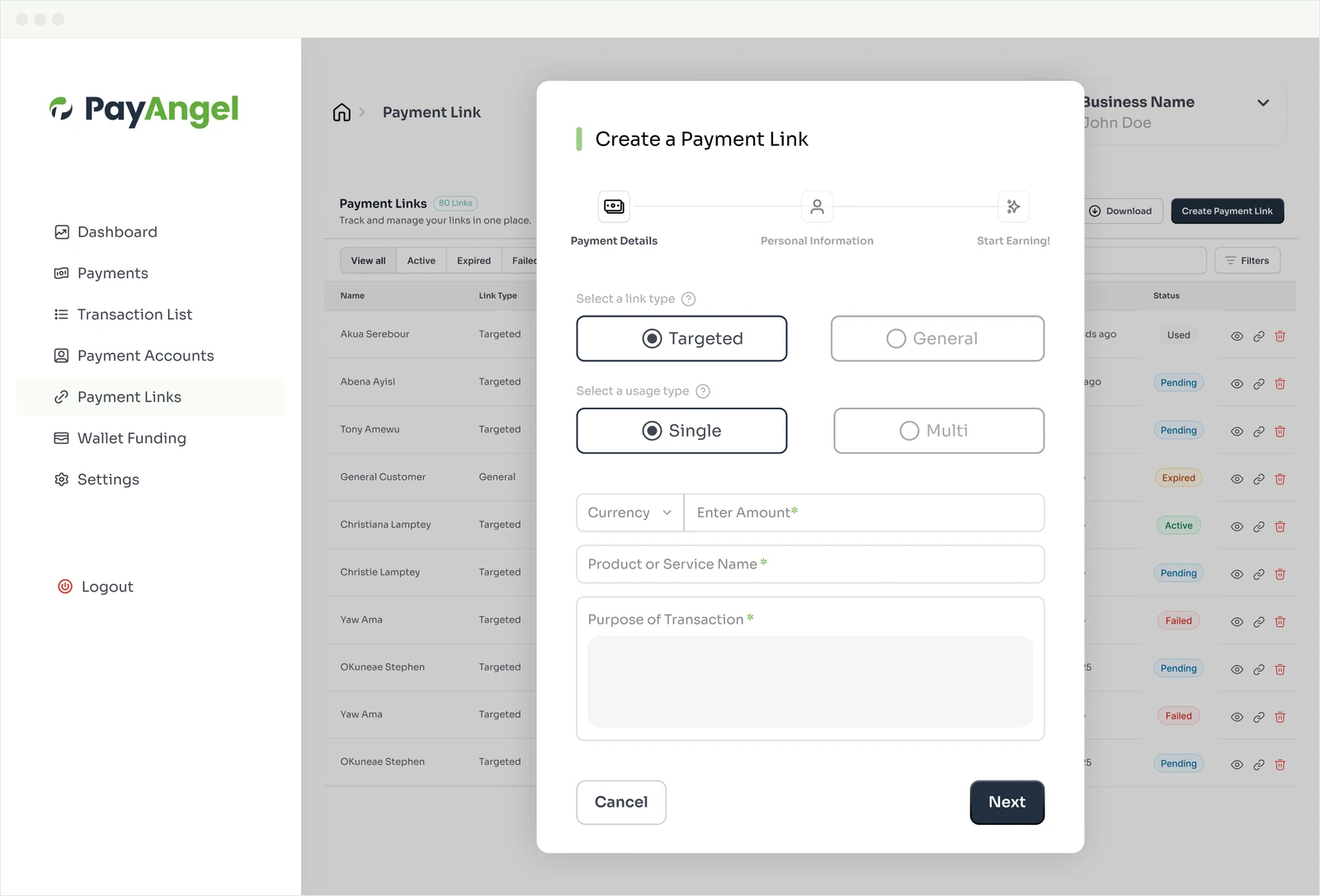
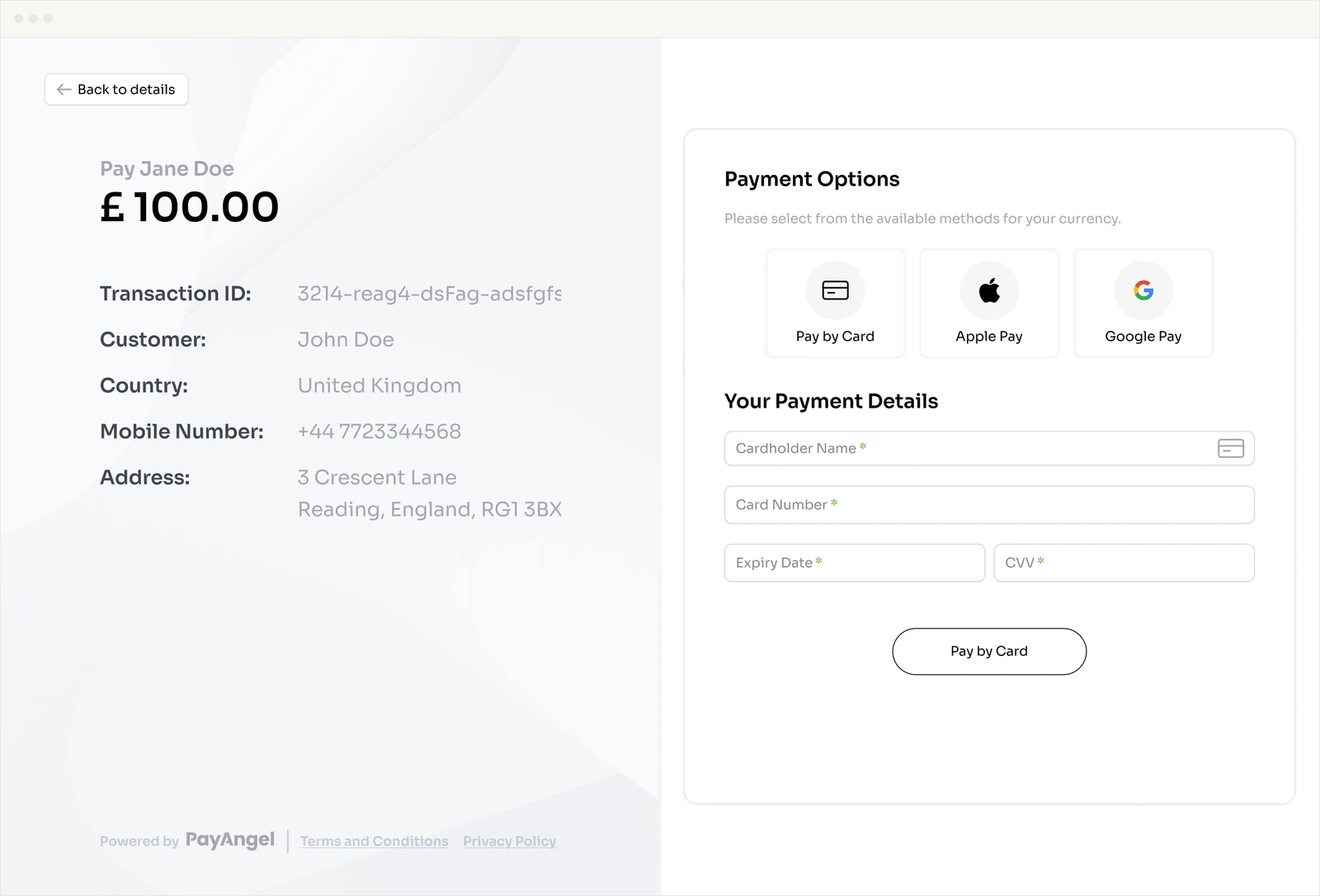
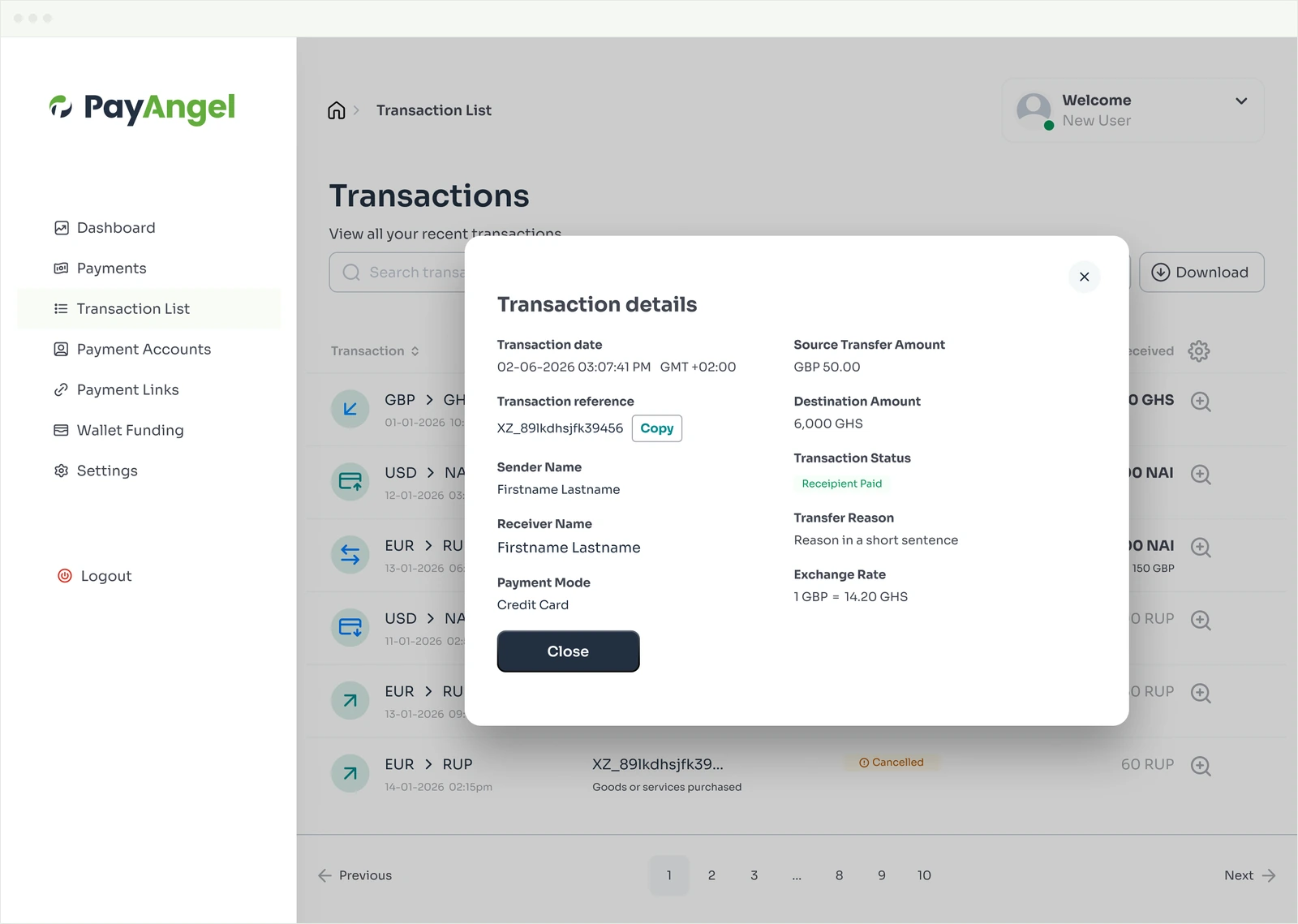
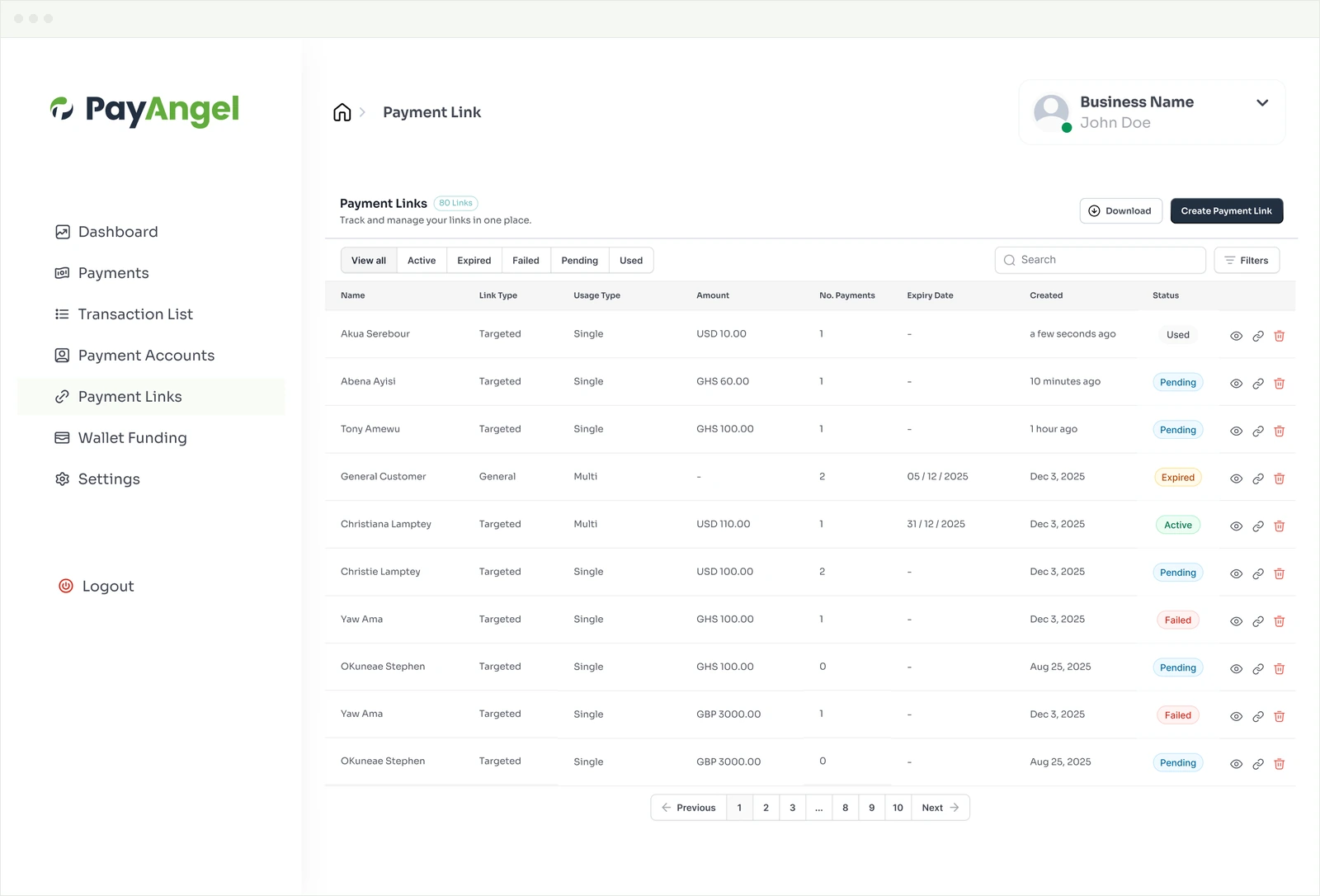
PayAngel Business gives the organisation a web portal for payment activity, transaction records and supported wallets, so finance can start from a record instead of a message thread.

Payment Links are part of PayAngel Business collections. Create a supported link and share it wherever supporters already hear from you, giving them a defined route back to the organisation without your team explaining the process one person at a time.
Supporters can verify the company behind the Ghana payment route, while PayAngel Business verifies organisations before supported payment capability is enabled. That gives both sides a clearer basis for trust before money moves.
These answers reflect current public PayAngel Business, D2MR and corridor information. Verification and route availability still determine what can be enabled for a specific organisation.
Yes. Eligible customers abroad can pay registered Ghanaian businesses and organisations through supported international card payments and direct-remittance routes. Verification and route availability apply.
The current PayAngel sender markets are the United Kingdom, European Union, United States, Canada and Australia.
Yes. PayAngel Business is designed for registered businesses and organisations, and Business verification applies before supported payment routes are enabled.
Yes. Payment Links are publicly listed as a PayAngel Business collection option.
Where the route is available, D2MR allows PayAngel users to pay verified Ghanaian businesses and organisations directly. PayAngel’s public D2MR information also highlights transaction traceability and automatically generated PDF payment reports.
PayAngel Business publicly names GHS, USD, GBP and EUR among its supported Business wallets.
PayAngel Business is a web portal at business.payangel.com. The consumer PayAngel app is separate and is used by eligible payers for routes such as D2MR.
Use “Set Up Organisation Payments” to open the PayAngel Business registration page. If you want help choosing the right route before setup, “Speak to an Adviser” opens a short enquiry form without blocking self-serve registration.
Open your PayAngel Business account and set up the routes that fit your organisation. If you want help choosing between international card routes, Payment Links and D2MR, speak to an adviser.
Payinc Ghana Limited is listed by the Bank of Ghana as a PSP Enhanced provider. PayAngel’s UK entity, PAYINC GROUP LIMITED, is authorised for the provision of payment services by the Financial Conduct Authority, FRN 608108. Product availability, payment methods and route access depend on Business verification and applicable terms.
WhatsApp us
Scan the QR code to download PayAngel App and start sending instantly.