
Sending Money Made Simple
PayAngel lets you send money from the UK, US, Canada and Australia to 13 destinations across Africa and South Asia — with no transfer or service fees. Here’s how it works, whichever country you’re sending to.
Step by Step
- Create and verify your PayAngel account in the PayAngel app.
- Press Send Money Now and choose your destination country.
- Enter the amount and review the live exchange rate and the amount your recipient will receive.
- Add your recipient’s details and choose how they’ll receive the money.
- Pay using your bank account or debit/credit card.
- Confirm and track your transfer in the app until it’s delivered.
Choosing a Destination
For country-specific guidance, see the dedicated guides in this section, such as How to Send Money to Ghana or How to Send Money to Nigeria.
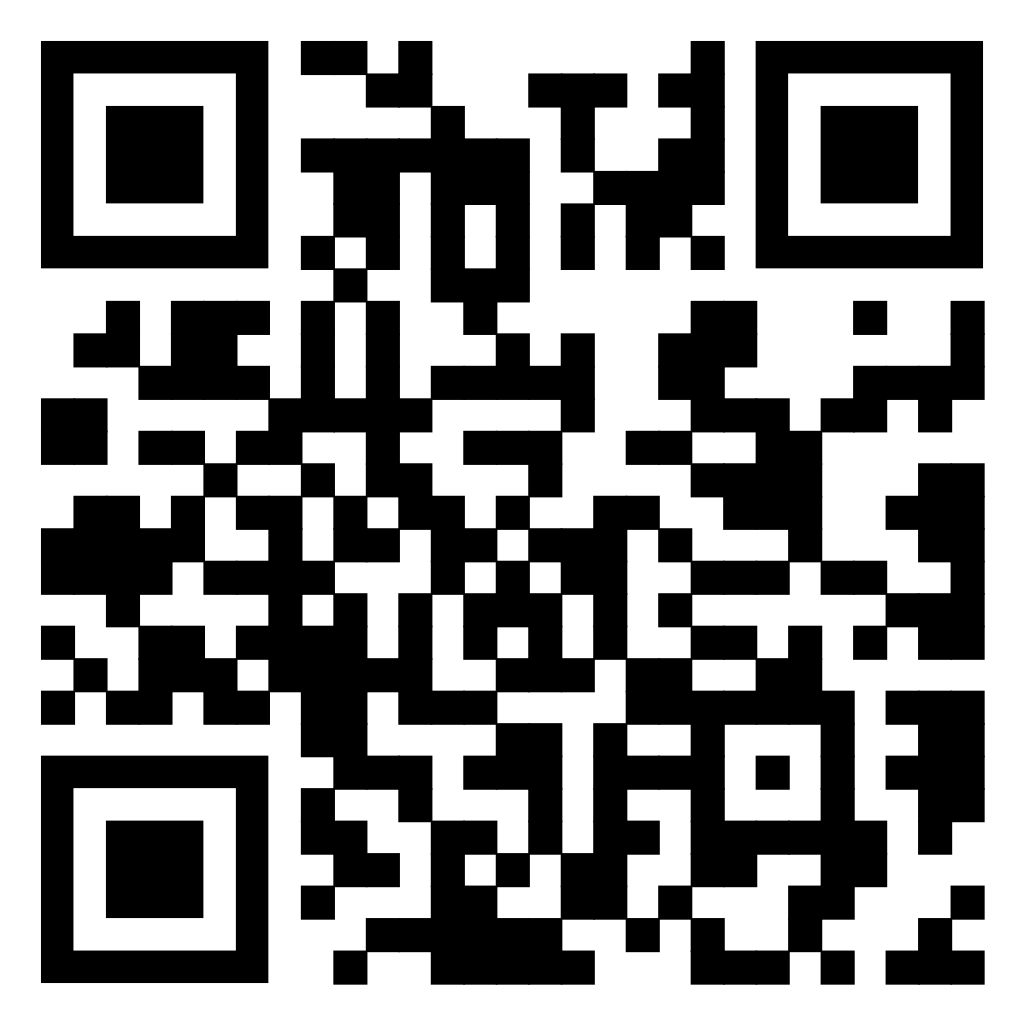
Get the PayAngel app
Scan the QR code with your phone’s camera, or download the PayAngel app.
